
 Book a migration call

The first sign that a migration is going wrong is almost never a red error message. It’s a rep opening a deal three weeks after go-live and asking where the call history went. By then the source CRM is often gone: the contract expired, the sandbox wiped. The data isn’t just missing, it’s unrecoverable.
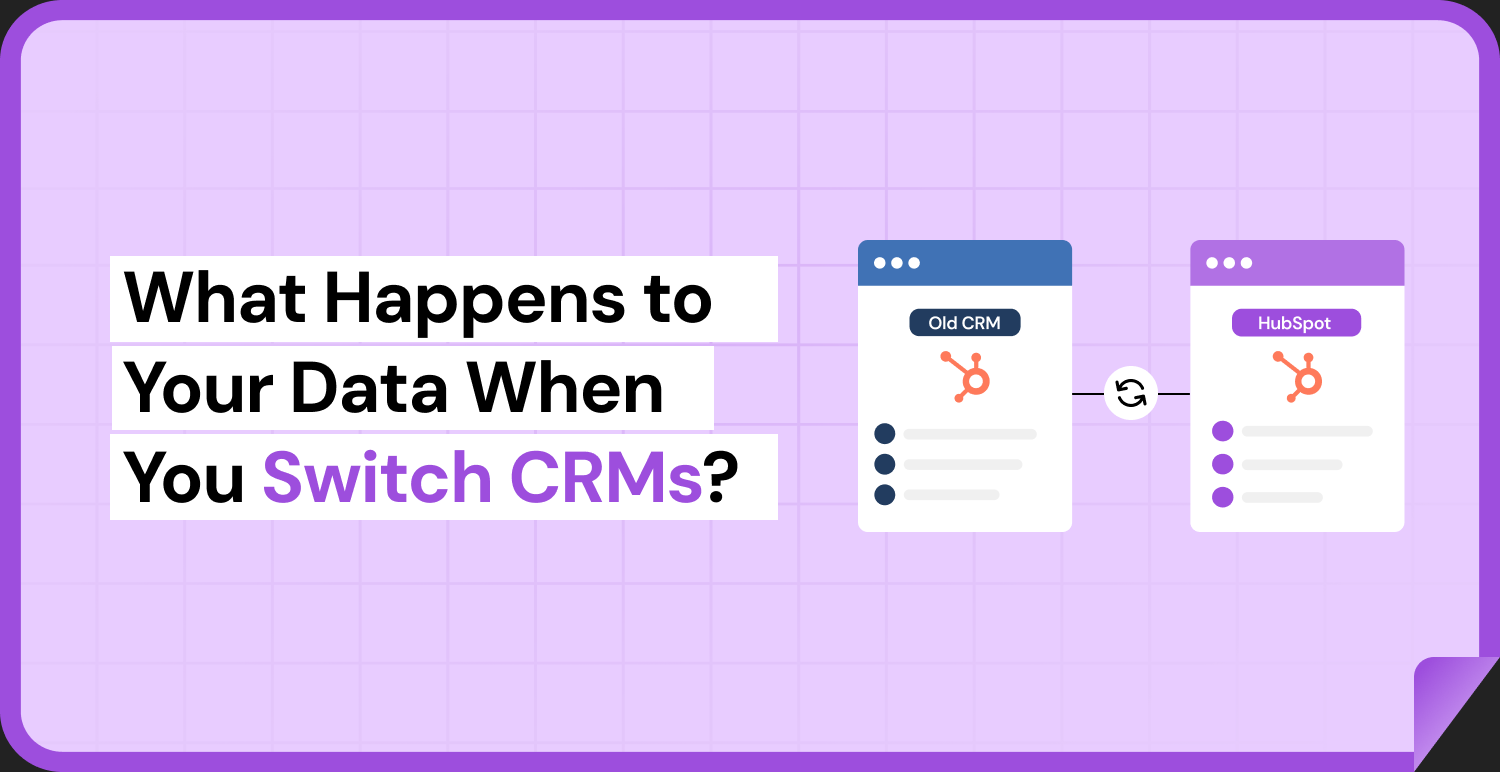
Here’s what most people get wrong about switching CRMs. They assume their data moves as one clean block. It doesn’t. The moment you export from Salesforce, Pipedrive, or Zoho and import into HubSpot, your data gets broken apart into objects, associations, and activities. Each of those pieces maps differently to the target model, or doesn’t map at all. Understanding what happens to CRM data when switching platforms means understanding which pieces survive intact, which ones break silently, and why the difference has almost nothing to do with how much data you have.
I’ve run more than 120 of these migrations. The records that survive are the simple ones. What breaks are the relationships between records, the activity history that spans mismatched object types, and the ownership tied to users who no longer exist in your new system. Let me walk you through exactly what happens to each.
Your CRM Data Isn’t One Thing It’s Six
When you look at your CRM, you see a unified customer picture. When a migration engine looks at it, it sees six distinct categories, each with its own migration behavior:
- Contacts: flat person records with properties like name, email, phone.
- Companies: flat organization records.
- Deals: opportunity records with amounts, stages, and close dates.
- Activities: calls, emails, meetings, notes, and tasks that form the timeline.
- Associations: the links that connect contacts to companies, deals to contacts, and everything to everything.
- Custom data: custom objects, custom properties, picklist values, and object types with no native target equivalent.
Migrations fail because these six categories don’t move at the same level of difficulty. Contacts and companies are easy. Associations and activities are where the real damage happens. If you plan the whole migration as if it’s just moving records, you’ll nail the easy 60% and quietly destroy the 40% that actually holds your business logic together.
What Moves Cleanly (and Why It Lulls You Into False Confidence)
Flat records almost always survive. A contact’s first name, last name, email, and phone number map cleanly to HubSpot contact properties. A deal amount maps to a deal amount. A company name maps to a company name. Run a basic CSV import and you’ll see thousands of contacts appear in HubSpot within minutes. It looks like it worked.
That early “it worked” signal is the trap. The flat data landing successfully tells you nothing about whether the relational graph came with it. You now have 40,000 contacts and 8,000 deals sitting in HubSpot as isolated islands, with no indication of which contact belongs to which company, or which deals belong to which contacts, until someone goes looking.
This is why I never let a client judge a migration by whether records showed up. Showing up is the easy part. The question that matters is whether the relationships, the timeline, and the ownership showed up with them.
Associations: The Relationships That Break Silently
This is the single most common casualty in a CRM migration, and it’s the one people notice last.
Most CSV-based migrations move objects one at a time: contacts first, then companies, then deals, with no mechanism to rebuild the links that existed between them. Each object lands as a flat table. The associations that connected them in the source CRM are stored as relational references, record IDs pointing to other record IDs, and a flat export strips that context out. The records arrive; the graph doesn’t.
The result is a HubSpot portal where a deal has no contact, a contact has no company, and multi-touch association labels are simply gone. Those are the labels that tell you a contact is the “Decision Maker” versus the “Billing Contact.” Your pipeline reporting breaks. Your workflows that trigger off company properties break. Your sales team loses the context that made the CRM useful.
This is exactly what SuprSwitch’s association integrity mapping is built to prevent. Instead of moving objects as disconnected tables, it preserves the 1:1 relationships between them: contact-to-company, deal-to-contact, and the association chains that hold your data model together. The association rules are defined during Phase 2 (Mapping Logic), before the first record moves, so the relational graph is rebuilt as part of the migration rather than reconstructed by hand after the fact. If you’ve ever tried that at 40,000-record scale, you know it’s effectively impossible.
Activity History: Where Object-Model Mismatches Destroy Your Timeline
Activity history is the hardest data to recover after the fact, because it’s the data most affected by structural differences between CRMs. And those differences are universal, not edge cases.
Take the most common one. Salesforce splits activities into two separate objects: Tasks and Events. HubSpot uses one unified Activities timeline that holds calls, emails, meetings, and notes together on the record. There is no 1:1 mapping between these models.[1] A migration that doesn’t explicitly handle the split does one of two things: it drops calls and meetings entirely, or it dumps everything into HubSpot as generic notes, stripped of type, timestamps, and the metadata that made them useful.
Either way, your rep opens a customer record and sees a wall of undifferentiated notes instead of “Call, 12 min, March 4” and “Meeting, Discovery, March 11.” Three years of sales context, flattened into garbage.
This is where SuprSwitch’s contextual object mapping earns its place. During Phase 2, the transformation layer decides explicitly how source activities collapse into HubSpot’s unified Activities model: Tasks and Events mapped to the correct HubSpot activity types, timestamps preserved, ownership retained. That decision is made and reviewed before the first record moves, not discovered on go-live day when the call history is already gone and the source system is dark.
Ownership and Deactivated Users: The Gap Nobody Plans For
Every sales org that’s been running for a few years has the same problem: a meaningful chunk of historical deals and activities are owned by reps who no longer work there. In a 5-year-old org, it’s normal for 20 to 30% of historical deals to be owned by deactivated users.[2] At enterprise scale, say 400,000 records, that’s tens of thousands of records with owners that don’t exist in the target CRM.
Here’s what happens if you don’t plan for it. When SuprSwitch, or any tool, tries to write a record owned by a user who has no match in HubSpot, that record either fails to import outright, or it gets silently reassigned to whoever’s credentials are running the migration. Now every historical deal belongs to your ops admin. Pipeline attribution is destroyed. Commission history is meaningless. Reporting by rep is fiction.
SuprSwitch resolves this with its ownership transfer engine, which handles deactivated-user gaps as part of the Phase 2 mapping layer, before records move. You decide in advance how orphaned ownership resolves: mapped to a placeholder “former employee” user, reassigned to the current territory owner, or preserved with a custom property that records the original owner. The point is that the decision gets made deliberately during mapping, not defaulted to whoever clicked “run.”
Custom Objects, Leads, and Records With No Home
Then there’s the data that has no equivalent in the target system at all.
The classic example is the Salesforce Lead. HubSpot has no native Lead object in the same sense; it uses Contacts with lifecycle stages. So every Salesforce Lead needs a decision: does it become a Contact? A Contact plus a Deal? A Contact with a specific lifecycle stage set? If your migration doesn’t answer that question in advance, Leads arrive orphaned or misclassified, thousands of records in the wrong object, invisible to the workflows and reports built around Contacts.
The same problem shows up with picklist values that don’t exist in the target, and custom objects with no obvious HubSpot home. A Salesforce picklist value that isn’t created as a matching HubSpot property option gets dropped on import. A 500-character Salesforce text field mapped to a HubSpot single-line text property, which caps at 255 characters, truncates silently.[3] Nobody notices until a rep asks where half a field went.
SuprSwitch handles these as explicit mapping decisions in Phase 2. Contextual object mapping defines what a Lead becomes, which HubSpot properties get created to hold source picklist values, and how field types map so a long-text field lands in a HubSpot multi-line property instead of getting chopped. And because Phase 3 Pilot Validation runs a representative sample first, field-level truncation and misclassification get caught on a small batch, where the fix goes into the mapping layer, instead of surfacing across your entire dataset after go-live.
Why the Order of Operations Decides Whether Your Data Survives
Here’s the thing practitioners eventually learn the hard way. Migrations that drag on for 3 to 6 weeks aren’t slow because of data volume. The transfer itself is fast. They’re slow because of manual field mapping, associations discovered broken after the fact, and post-migration cleanup that turns into a second project.[4] The rework is what eats the calendar.
SuprSwitch compresses large migrations into 3 to 4 days by front-loading the discovery and validation work so nothing gets discovered after live data moves. The 4-phase model is the whole argument:
- Phase 1, Schema Analysis (Day 1). SuprSwitch scans the source CRM and identifies custom fields, record counts, property types, and data quality issues, including duplicates, broken associations, and empty required fields, before anything moves. No surprises mid-migration.
- Phase 2, Mapping Logic (Day 2). The transformation layer maps source objects to the HubSpot data model: custom properties created, association rules defined, object-type mismatches resolved, ownership transfer logic set. Reviewed before the first record moves.
- Phase 3, Pilot Validation (Day 2 to 3). A representative sample migrates to HubSpot to validate relational integrity, activity formatting, field truncation, and association chains. Issues get fixed in the mapping, not in post-migration cleanup.
- Phase 4, Final Execution (Day 3 to 4). The full dataset runs through the migration engine with real-time record validation. If a record doesn’t appear in HubSpot within the expected window, it flags immediately. Every record is validated before go-live is confirmed.
Two more capabilities matter here. The retry mechanism means a failed record is automatically retried without restarting the full job. That’s what prevents the duplicate-multiplication problem, where re-running after a partial failure doubles every record. And the no-storage architecture means your customer data is never held on SuprSwitch servers; it moves from source to target without being retained in between, which is the answer your IT and security team will ask for first.
Conclusion
The honest answer to what happens to CRM data when switching platforms is this: the simple records survive, and everything that made them useful is at risk. Contacts and companies land fine. The associations that connected them, the activity timeline that carried your sales history, and the ownership that made your reporting real, those break silently unless someone decides in advance how they map.
That’s the whole game. A clean migration and a corrupted one aren’t separated by data volume or by which CRM you’re leaving. They’re separated by when the mapping and validation work happens. Do it before live data moves and you have a 3 to 4 day migration. Do it after, in support tickets, and you have a six-week cleanup project running against a source system that may already be gone.
Before you export a single record, run a Schema Analysis on your source CRM. Know what your six data categories look like, where the duplicates and broken associations are, and how many records are owned by people who left. The migration is the easy part. Knowing what breaks, and fixing it in the mapping layer instead of production, is the work that decides whether your data actually survives the switch.
Frequently Asked Questions
01 What happens to CRM data when switching platforms?
When switching CRM platforms, records such as contacts, companies, and deals can often be transferred, but associations, activity history, ownership, and custom fields may require additional mapping. A structured migration process helps preserve relationships and business context while reducing the risk of missing or misclassified data.
02 How can you prevent data loss during a CRM migration?
To reduce data loss, audit the source CRM, map fields and relationships before migration, and test a representative sample before transferring the full dataset. SuprSwitch uses a four-phase process covering Schema Analysis, Mapping Logic, Pilot Validation, and Final Execution to identify and address issues before go-live.
03 Do contact, company, and deal associations transfer when switching CRMs?
Not automatically in every migration. Associations between contacts, companies, and deals may be lost when records are imported separately without mapping their relationships. SuprSwitch’s association integrity mapping is designed to preserve these links and relevant association labels during migration.
04 What happens to CRM activity history when migrating to HubSpot?
Activity history may be lost, misclassified, or imported without important details if the source and target CRMs use different data models. For example, Salesforce separates Tasks and Events, while HubSpot uses a unified Activities timeline. SuprSwitch’s contextual object mapping helps map activities to the appropriate HubSpot types while preserving timestamps and ownership.
05 How long does it take to migrate CRM data to HubSpot?
Migration time depends on data quality, custom fields, object relationships, and the complexity of the source CRM. According to the article, SuprSwitch’s four-phase migration process can complete large migrations in approximately three to four days by identifying mapping and validation issues before the full transfer.
References
- HubSpot Developer Documentation, “Engagements and Activities: Object Model Overview,” HubSpot, Inc., 2024.
- Salesforce Ben, “Managing Inactive Users and Record Ownership in Salesforce,” 2023, analysis of ownership orphaning in mature sales orgs.
- HubSpot Knowledge Base, “HubSpot property field types and character limits,” HubSpot, Inc., 2024.
- RevOps Co-op, “Why CRM Migrations Run Over: A Survey of Implementation Timelines,” 2023, findings on rework versus transfer time in CRM migration projects.
Manual migrations cost more than engineer hours.
Skip the QA cycles, data cleanup, and errors found weeks after go-live. SuprSwitch runs the full migration in 3-4 days, validated record by record.