
 Book a migration call

Most failed CRM migrations don’t fail because of data volume. They fail because the team found the problem too late. The orphaned associations, the deals owned by reps who left eight months ago, the truncated activity history: none of that shows up when you export the source data. It shows up three weeks after go-live, when a rep opens a ticket asking why 200 deals are missing from their pipeline. By then, people are working in the new system, live edits are stacking up against the source, and the cleanup costs more than the migration did.
That’s the reframe every RevOps team needs before they pick a revops crm migration tool. Migration risk is a sequencing problem, not a scale problem. A 5,000-contact SMB migration and a 400,000-record Salesforce org with 12 custom objects and 80 workflows are the same process. The difference is mapping complexity, not risk category. What determines whether either one succeeds is when you find the issues. Find them before records move, and they’re cheap to fix. Find them after, and you’re paying the cleanup tax.
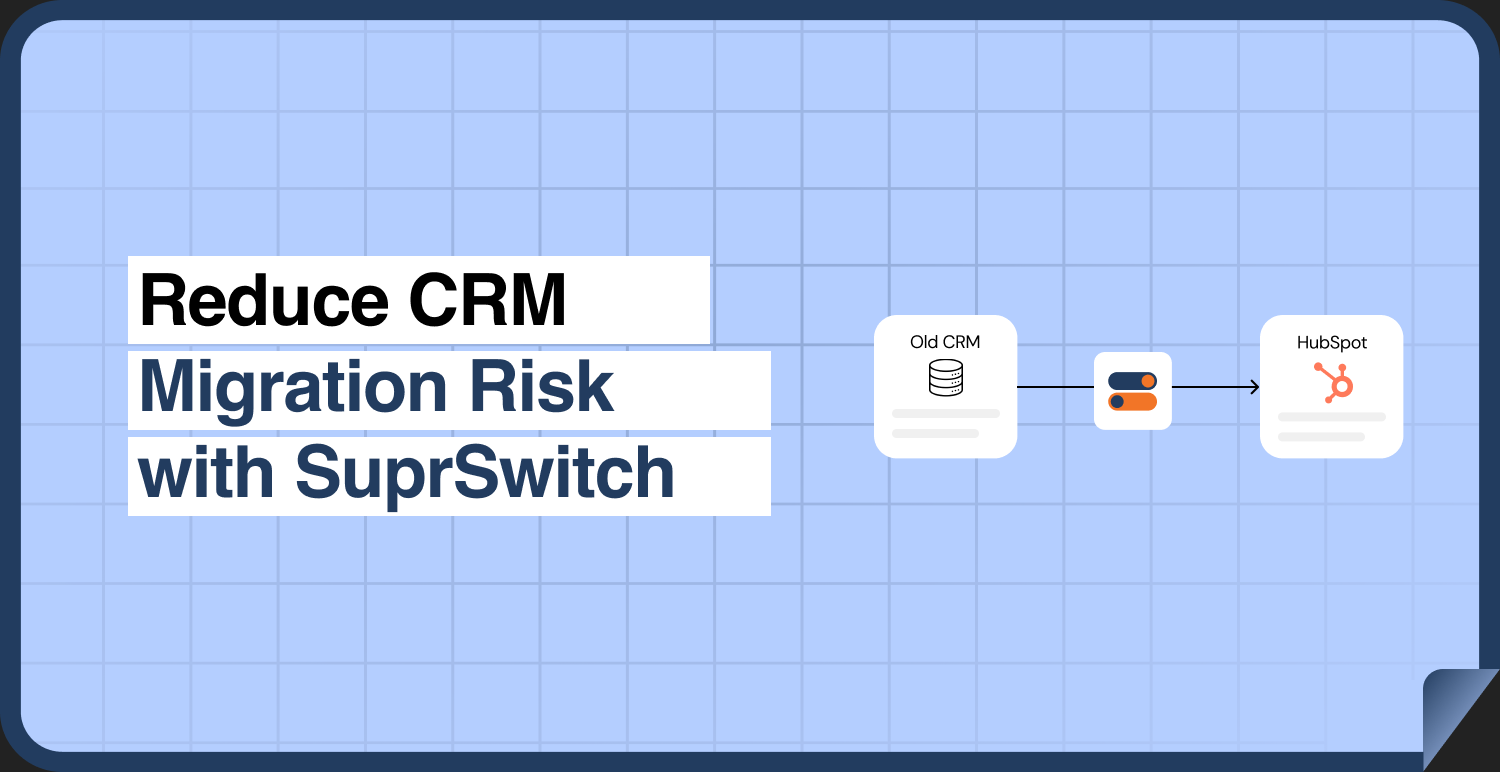
SuprSwitch is built around that principle. It front-loads schema analysis and mapping validation into the first two days, runs a pilot before the full dataset moves, and validates every record in real time during execution. That’s how a migration that would drag on for 3 to 6 weeks manually [1] compresses into a controlled 3 to 4 day process.
Why CRM Migration Risk Is a Sequencing Problem, Not a Volume Problem
Where migration time actually disappears: late discovery, not data volumeData transfer · 400,000 records via APIA throughput question and throughput is solvable. Not where the weeks go.SOLVEDThe real cost: three discovery-timing failures1Field MappingSource schema neverprofiled first, customfield breaks it halfway.2Broken Assoc.Relationships surfacetoo late, mid-run,after records land.3CleanupWeeks of post-migrationrepair for problems foundonly after the fact.Each failure is the same root cause: discovery happenedtoo late in the sequence, profile the schema up front, not mid-run.
Ask anyone who has run a manual migration where the time actually went. It wasn’t the data transfer. Moving 400,000 records through an API is a throughput question, and throughput is solvable. The weeks disappear into three things: manual field mapping, late-discovered broken associations, and post-migration cleanup.
Every one of those is a discovery-timing failure. Manual field mapping drags because nobody profiled the source schema first, so you find the custom field that doesn’t map halfway through. Broken associations surface after the objects land, because the tool moved records without moving the relational links between them. And cleanup exists at all only because the first two problems were caught after go-live instead of before.
The fix isn’t a faster engine. It’s moving the discovery and validation work to the front of the process, before a single production record moves. That’s the entire design thesis behind SuprSwitch’s four-phase model: Schema Analysis, Mapping Logic, Pilot Validation, and Final Execution. Each phase exists to catch a specific class of failure while it’s still cheap.
The Four Failure Modes That Actually Sink Migrations
Before the phases make sense, you need to know what they’re defending against. Across more than 120 migrations, four failure modes account for the large majority of post-migration damage. [2]
Deactivated-user ownership gaps. When you migrate deals and contacts owned by reps who’ve left, and those users don’t exist in the destination HubSpot portal, the records land unassigned or fail silently. In most orgs migrating off Salesforce, 10 to 30% of active records are owned by deactivated or reassigned users. [3] If you don’t set ownership logic before the migration runs, that’s the share of your pipeline at risk of landing orphaned.
Broken and orphaned associations. Salesforce and Pipedrive store relational links differently than HubSpot does. A migration that moves objects but not the association chains leaves you with contacts detached from companies, deals with no linked contact, and activities floating with no parent record. Your reporting integrity is gone on day one, and reconstructing associations by hand across hundreds of thousands of records is exactly the cleanup tax you’re trying to avoid.
Activity history loss from object-model mismatches. Salesforce splits activities into Tasks and Events. HubSpot unifies everything into one Activities timeline. Zoho and Dynamics carry their own splits. A tool that doesn’t reconcile these object models loses call logs, meeting history, and email threads, which is the exact sales context reps depend on to work an account. Lose it, and your reps distrust the new CRM from the first login.
Duplicate multiplication on import. Source CRMs already carry duplicates. A migration that imports without dedup logic multiplies them. Worse, when a job fails partway and someone re-runs it without a retry mechanism, the partial records double up and you get a dirty instance before anyone has logged a call.
How SuprSwitch Front-Loads Discovery: Schema Analysis on Day 1
Phase 1 is Schema Analysis, and nothing moves during it. SuprSwitch scans the source CRM database and surfaces custom fields, record counts, property types, and data-quality issues like duplicates, broken associations, and empty required fields, all before a single record is transferred.
What RevOps gets out of Day 1 is a data-quality report they can actually act on. Instead of discovering mid-migration that a required HubSpot property has 40,000 empty source values, you see it on the first day and decide how to handle it: backfill, default, or accept the gap on purpose. Instead of finding orphaned associations after go-live, you get a count of them upfront.
This is the single biggest reason SuprSwitch migrations don’t turn into three-week projects. The discovery work that normally happens as painful surprises mid-run is compressed into one deliberate scan at the start. No surprises mid-migration is not a marketing line. It’s a consequence of doing discovery before the move, not during it.
Mapping Logic and Ownership: Solving Problems Before Records Move
Phase 2 is where the transformation layer does its work. SuprSwitch maps legacy objects to the HubSpot data model. It creates the custom properties HubSpot will need, defines association rules, and handles object-type mismatches like Salesforce Leads, which have no direct HubSpot equivalent. All of this is defined and reviewed before the first record moves.
This is also where the ownership transfer engine resolves the deactivated-user problem. Rather than letting records owned by departed reps land unassigned, you set the reassignment rules in the mapping layer. If a rep left and their book went to a manager, you encode that. If a territory got redistributed, you encode that. The 10 to 30% of records that would otherwise orphan get intentional owners instead, decided by you, not left to chance.
Association integrity mapping is defined here too. SuprSwitch preserves the 1:1 relationships between objects so contacts stay linked to companies, deals stay linked to contacts, and activities stay attached to their parent records through the transfer. This is the defense against the orphaned-association failure mode. The links are mapped deliberately, not assumed to survive the move.
For activity history, the object-model reconciliation happens in this layer. Salesforce Tasks and Events get mapped into HubSpot’s unified Activities timeline. Zoho’s and Dynamics’ splits get reconciled the same way. The point is that the mismatch is handled in mapping logic before execution, so the call and meeting history reps rely on carries over intact.
Why the Pilot Migration Is the Step Most Teams Skip and Shouldn’t
Phase 3 is the pilot migration, and it’s the step manual migrations almost always skip because it feels like overhead. It isn’t. It’s the cheapest insurance in the entire process.
A representative sample runs into the HubSpot portal to validate the things you can only confirm by actually moving data: relational integrity, activity history formatting, field-level truncation, and association chains. A field that’s 500 characters in the source and 255 in HubSpot doesn’t announce itself in schema analysis. It shows up as truncated text in the pilot. An association chain that looks correct in the mapping logic but breaks on write shows up here too.
The critical difference: issues caught in the pilot get fixed in the mapping layer, not after full execution. You adjust the transformation, re-run the sample, and confirm the fix, all while your production data sits untouched. Skip the pilot, and every one of those issues becomes a post-go-live cleanup task against a live system. That’s the trade practitioners who’ve been burned understand. An hour of pilot validation on Day 2 or 3 saves a week of reconciliation later.
Real-Time Validation During Final Execution
Phase 4 is Final Execution. The full dataset runs through SuprSwitch’s migration engine into the production HubSpot portal, and this is where real-time record validation earns its place.
Traditional migrations don’t tell you a record failed until you go looking for it. That’s the “three-week support ticket,” a contact that never made it into HubSpot, discovered only when a rep can’t find the account. SuprSwitch flips that. If a record doesn’t appear in HubSpot within the expected window after transfer, it flags the failure immediately, during the run, not three weeks later.
The retry mechanism handles the reality that APIs have transient failures. When a record fails on a rate limit or a timeout, SuprSwitch automatically retries that individual record without restarting the full job. This matters for two reasons: you don’t lose hours re-running a 400,000-record migration over a handful of transient failures, and you don’t reintroduce the duplicate-multiplication risk that comes with full re-runs.
“Validated before go-live” means exactly what it says here. Every record is validated post-migration before go-live is confirmed. You don’t hand the new portal to your reps and hope. You confirm the record counts and association integrity match what Phase 1 told you to expect.
What No-Storage Architecture Means for Your Security Review
IT and security teams have one question RevOps often can’t answer: where does our customer data sit while it’s in transit? Tools that stage data on vendor servers turn that into a compliance escalation. Now legal is involved, and your migration date slips while a data processing agreement gets reviewed.
SuprSwitch uses a no-storage architecture. Customer data is never held on SuprSwitch servers. It moves from source to destination without being retained at rest on the platform in between. For your security review, that removes the “data at rest on a third party” question entirely, which is usually the question that stalls technical sign-off.
This isn’t a small operational detail. In enterprise migrations, the security review is often the longest pole in the tent. Removing the data-residency question from that review is often what keeps the 3 to 4 day timeline from becoming a 3 to 4 week one waiting on legal.
Conclusion
The teams that run clean migrations aren’t the ones with the least data. They’re the ones who found their problems first. Every failure mode that sinks a migration, ownership gaps, orphaned associations, lost activity history, duplicate multiplication, is survivable if you catch it before records move and catastrophic if you catch it after.
That’s the entire logic of using a revops crm migration tool built around sequencing. SuprSwitch doesn’t promise a risk-free migration, because no honest tool can. What it does is move the discovery and validation work to Day 1 and Day 2, prove the mapping with a pilot before your production data moves, and validate every record in real time during execution. So the issues that would otherwise become a three-week cleanup ticket get caught while they’re still cheap to fix.
If you’re scoping a move to HubSpot, start where the risk actually lives: with a Schema Analysis of your source CRM. Know your data-quality report, your ownership gaps, and your custom-object complexity before you commit to a date. The migration itself is 3 to 4 days. The decision to sequence it correctly is the one that determines whether those days are the last you spend on it.
Frequently Asked Questions
01 What is a RevOps CRM migration tool?
A RevOps CRM migration tool helps revenue operations teams transfer CRM data while preserving field mappings, record associations, ownership, and activity history. SuprSwitch uses a four-phase process: Schema Analysis, Mapping Logic, Pilot Validation, and Final Execution to identify and address migration risks before go-live.
02 How do you prevent data loss during a CRM migration?
Prevent data loss by auditing the source schema, mapping fields and associations before transferring records, testing a representative sample, and validating every record during final execution. A retry mechanism also helps recover individual records that fail because of temporary API errors.
03 How do you preserve record ownership and associations when migrating to HubSpot?
Define ownership reassignment rules before migration and map relationships between Contacts, Companies, Deals, and Activities. SuprSwitch’s ownership transfer engine and association integrity mapping help prevent unassigned records and broken relationships in the destination CRM.
04 How does a CRM migration tool preserve activity history across different platforms?
A CRM migration tool must reconcile differences between source and destination activity models. For example, Salesforce Tasks and Events need to map into HubSpot’s unified Activities timeline so that call logs, meetings, email history, and their record associations remain intact.
05 How long does a CRM migration to HubSpot take?
The article outlines a 3–4 day process using SuprSwitch: Schema Analysis on Day 1, Mapping Logic on Day 2, Pilot Validation across Days 2–3, and Final Execution on Days 3–4. The actual timeline depends on data quality, custom objects, field mappings, and association complexity.
References
- HubSpot, “CRM Migration Best Practices and Implementation Timelines,” HubSpot Knowledge Base, 2024.
- Suprdense, “SuprSwitch Migration Program: Field Observations Across 120+ CRM Migrations,” 2024.
- Salesforce Ben, “User Management and Data Ownership in Salesforce Orgs,” 2023.
Manual migrations cost more than engineer hours.
Skip the QA cycles, data cleanup, and errors found weeks after go-live. SuprSwitch runs the full migration in 3-4 days, validated record by record.