
 Book a migration call
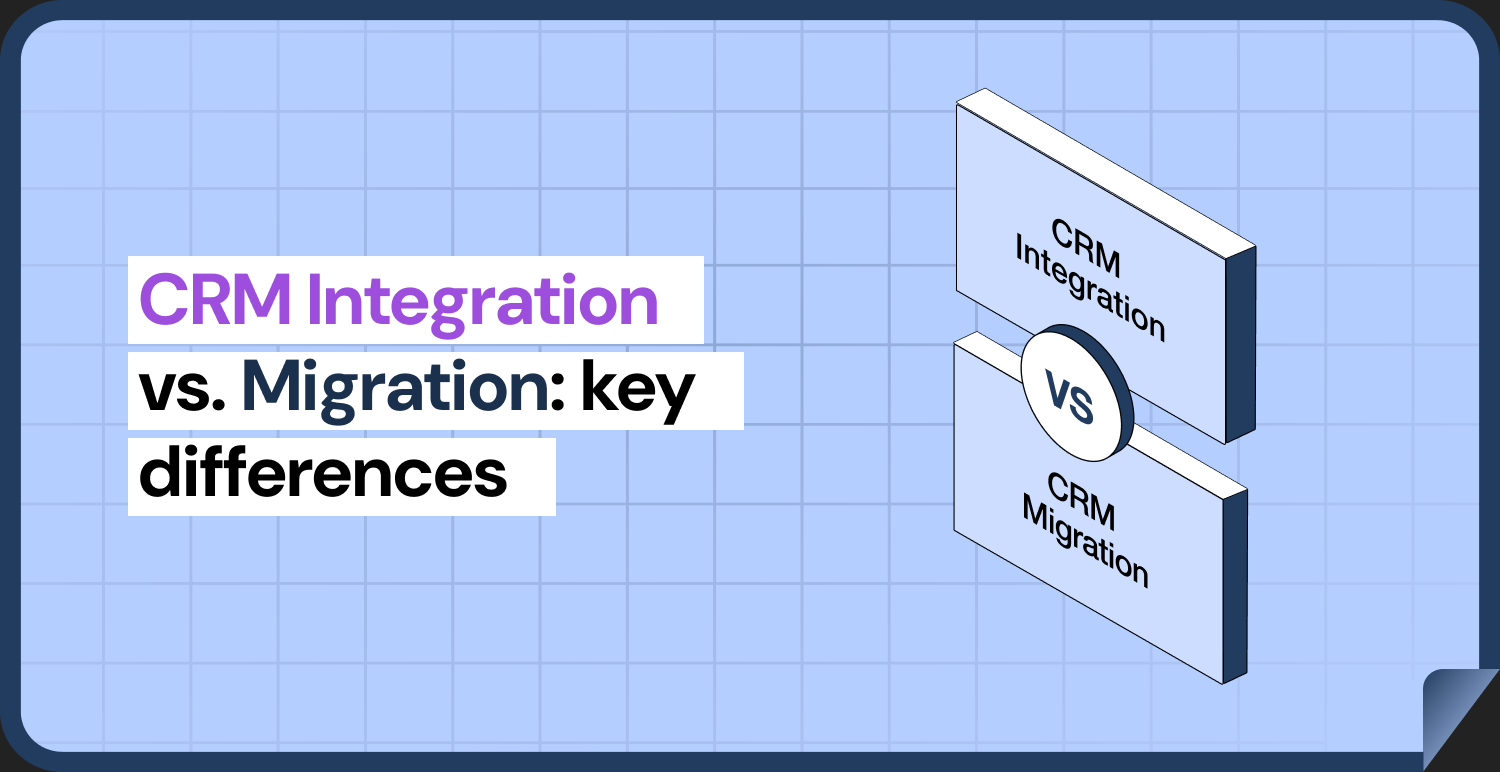

When two CRMs need to work together, there are two different answers. You can connect them so that data flows between them, or you can move everything into one and retire the other. People often use the words interchangeably, and that is how projects end up with the wrong plan: a migration scoped like an integration, or an integration that quietly becomes a permanent second system nobody planned to run.
This guide explains what each approach is, how they differ in data movement, cost, and upkeep, when each one fits, and how to decide. It uses HubSpot as the destination, since that is where most of our readers are heading. On the migration side, it also shows where SuprSwitch, SuprDense’s CRM migration platform, fits.
What Is CRM Migration?
CRM migration is a move. Data is extracted from the old system, transformed to fit the new one, loaded, checked, and then the old system is retired. After cutover there is one system of record. The work is front-loaded: it takes place over a defined project, and ends.
A migration usually covers records such as contacts, companies, deals, and activities, along with the supporting structure: properties, pipelines, users, and associations between records. HubSpot’s Smart Transfer is built for this case. It supports a defined list of source apps, including Salesforce, Pipedrive, Dynamics 365, ActiveCampaign, and Zoho CRM, and HubSpot describes it as designed for a one-time migration from another app. Smart Transfer can also revert a transfer, which is useful when something is wrong in a first run.
SuprSwitch covers the same ground, including custom objects, which Smart Transfer does not support. It connects to the source CRM and HubSpot through their APIs and maps any field or object that lives in the source, along with owners, activities, and associations. Its four phases, Schema Analysis, Mapping Logic, Pilot Validation, and Final Execution, give the project a defined start and a defined end.
What Is CRM Integration?
CRM integration is a connection. Both systems stay in use, and a sync keeps chosen data consistent between them. The work is continuous: the connection must be set up, monitored, and maintained for as long as both systems are used.
HubSpot data sync is one example. After you connect a supported app, you can configure a one-way or two-way sync so that updates in one system appear in the other, based on your settings. A sync is always between two apps, one of which is HubSpot. It starts with an initial sync that indexes the existing records in both systems, then an incremental sync that checks HubSpot for changes at regular intervals and relies on the other app’s webhooks to flag its own changes. For very large databases the initial sync takes time; HubSpot notes that very large syncs can take several days.
The HubSpot-Salesforce integration is another. It is designed for ongoing two-way syncing, is available on Professional and Enterprise subscriptions of HubSpot’s hubs, and requires a Salesforce system administrator with specific profile permissions to set up.
Key Differences Between Migration and Integration
| Migration | Integration | |
|---|---|---|
| Goal | Move data to a new system and retire the old one | Keep two systems consistent while both stay in use |
| Duration | A project with an end date | Ongoing for as long as both systems are used |
| Data movement | Mostly one-time bulk transfer, then deltas until cutover | Continuous, record by record, one-way or two-way |
| System of record | One, after cutover | Two, with rules for which value wins |
| Main risk | Data loss, mapping errors, cutover problems | Sync conflicts, duplicates, API limits, broken connections |
| Ongoing work | Mostly stops after go-live and a stabilization period | Monitoring, error handling, and updates to field mappings |
| Cost profile | One-time project cost, then the old license ends | Both licenses continue, plus the upkeep of the connection |
| Users | One system to learn | Two systems, and the question of where to update what |
The two also have different failure modes. A migration usually fails visibly and early, in testing. An integration can fail slowly: a field mapping drifts, a sync error goes unread, and two systems disagree for months before somebody notices.
A migration’s visible failures are also the easiest to catch. SuprSwitch’s real-time record validation flags any record that does not appear in HubSpot within the expected window, and its retry mechanism re-runs failed records without restarting the whole job.
When to Keep Two CRMs Connected
Integration is the right choice when both systems have a real, continuing job.
- Different teams, different tools: Sales runs in one CRM, and marketing or service runs in HubSpot, and each team’s tool fits its work. A common example is HubSpot for marketing alongside Salesforce for sales.
- A migration is not yet possible: A contract, a regulation, a dependency on a custom build, or a divestiture means the old system has to remain for a period. An integration can bridge that period.
- A phased move: You can connect the systems while you migrate in stages. This is a temporary integration with a planned end.
- A small, defined overlap: Only a limited set of records needs to be shared, such as qualified leads or closed deals. Sync rules and filters let you limit what flows. In HubSpot data sync, for example, filters limit which records sync between the apps.
Know what you take on. A permanent integration means two licenses, two admins, and a mapping that has to be updated whenever either side changes a field. The HubSpot-Salesforce integration, for example, uses a limited number of API calls per day, and a single contact sync can take several API calls per record. HubSpot connects to only one Salesforce instance per HubSpot account[1]. Those are constraints to plan around, not reasons to avoid integration.
When to Move to a New CRM
Migration is the right choice when the old system no longer has a job, or costs more than it returns.
- Cost or consolidation: You are paying for two platforms to do what one could do.
- One view of the customer: Teams are working from different versions of the same records, and syncing has become a permanent effort to hide that.
- The old system is a limit: It cannot support your process, your reporting, or your integrations.
- Complexity from patches: Years of custom fields, workarounds, and connectors have made the system hard to change.
Remember that moving the data is only part of the job. A migration puts records in the new system, but it does not on its own configure the new system for how your team works. Our guide to CRM migration vs. implementation explains where one ends and the other begins.
Cost and Maintenance Considerations
Compare the total cost over a realistic period, not the upfront price. We deliberately give no numbers here, because they vary widely with data volume, complexity, and which tools you use. We can describe the shape of the cost.
- Migration: A one-time cost for planning, mapping, cleaning, loading, testing, and cutover, plus a short stabilization period. After that, the license for the old system ends.
- Integration: A lower start, since you only configure the connection. But you keep paying for both systems, plus the effort of owning the connection: monitoring, fixing sync errors, updating mappings, and handling conflicts. If either vendor changes something, it can need attention.
An integration looks cheaper at the start, and a migration often looks cheaper over a longer period when the alternative is running two systems indefinitely. The reverse is true when the second system is needed for years anyway, or when migrating means rebuilding something expensive. Put both on the same timeline, for example several years, and include the licenses, admin time, and the cost of inconsistent data.
Also count the cost of inaction. Records that disagree across systems lead to duplicated outreach, wrong reports, and time spent working out which version is right. These are harder to price, but they are the reason most teams eventually choose one system.
Can Integration and Migration Work Together?
Yes, and often they should, in a defined order. The common pattern is to integrate temporarily while you migrate. You connect the old and new systems for a limited period so that teams can keep working while data moves in phases, then switch off the sync when the old system is retired.
There is one important trap. If you are moving from Salesforce and plan to keep using it for a while, HubSpot recommends the HubSpot-Salesforce integration for that continuing sync and Smart Transfer for the one-time migration, and warns against mixing the two carelessly. The two use different unique identifiers to match records, and using them together can create duplicate records. If you previously used Smart Transfer, turn off its sync connections before turning on the Salesforce integration.
The sequence matters. Decide which system is the source of truth during the overlap, which fields flow in which direction, who resolves conflicts, and the date the connection ends. Write that date down at the start, or the temporary integration becomes permanent.
For some teams, delta migration is an alternative to a temporary sync. SuprSwitch can move only the records created or changed since the main run, so a phased migration can close each phase with a catch-up load instead of maintaining a two-way connection. On SuprDense’s Salted Stone consolidation, a final delta run captured the Salesforce activities created after the first extraction.
If you plan a move into HubSpot, a SuprSwitch CRM migration solution handles the data movement, while an integration is a separate piece of work. Define each one separately in the plan. Its no-storage architecture means the data moves directly from the source to HubSpot and is never held on SuprSwitch servers.
Decision Framework for Choosing an Approach
Answer each question for your own situation. Most answers point clearly to one approach, and a split result points to the hybrid described below.
| Question | If yes | If no |
|---|---|---|
| Does the old system still have a necessary job in the years ahead? | Lean to integration | Lean to migration |
| Do two teams need different tools for different jobs? | Integration | Migration |
| Is a contract, regulation, or dependency preventing retirement of the old system now? | Integrate temporarily, plan the migration | Migration can start |
| Is the overlap in data small and well defined? | Integration with filters | Migration |
| Can you name an owner for the connection, and a person to watch it? | Integration is viable | Integration is risky |
| Are you paying for two systems that do the same job? | Migration | Either |
| Is a single view of the customer a business requirement? | Migration | Either |
If the answers are mixed, the hybrid is usually the answer: integrate now, migrate on a date, and switch the sync off on that date.
Conclusion
Integration connects two systems and keeps both running. Migration moves data into one and retires the other. Pick integration when both systems have a continuing job and you can own the connection. Pick migration when the old system has no future role. Use both in sequence when a phased move is the practical route, with an end date for the connection.
Frequently Asked Questions
01 What is the difference between CRM integration and migration?
Migration moves your data from one CRM into another and retires the old one, as a project that ends. Integration connects two CRMs so data stays in sync while both continue to be used, and it requires ongoing upkeep.
02 Can a business integrate CRMs instead of migrating?
Yes, if both systems have a continuing role. HubSpot supports one-way and two-way syncs with connected apps, and an integration with Salesforce. The business then runs two systems, with rules for which data wins and an owner for the connection.
03 Can both approaches be used together?
Yes. A temporary integration can keep teams working while a migration happens in phases. Plan an end date for the sync, and avoid running HubSpot Smart Transfer and the HubSpot-Salesforce integration at the same time on the same data, since they match records differently and can create duplicates. SuprSwitch’s delta migration can also capture changes between phases without a permanent sync.
04 How do you decide which approach is right?
Ask whether the old system still has a necessary job, whether you can own an ongoing connection, and whether you need a single view of the customer. If the old system has no future role, migrate. If both are needed, integrate. If you are in transition, do both in order.
Manual migrations cost more than engineer hours.
Skip the QA cycles, data cleanup, and errors found weeks after go-live. SuprSwitch runs the full migration in 3-4 days, validated record by record.